
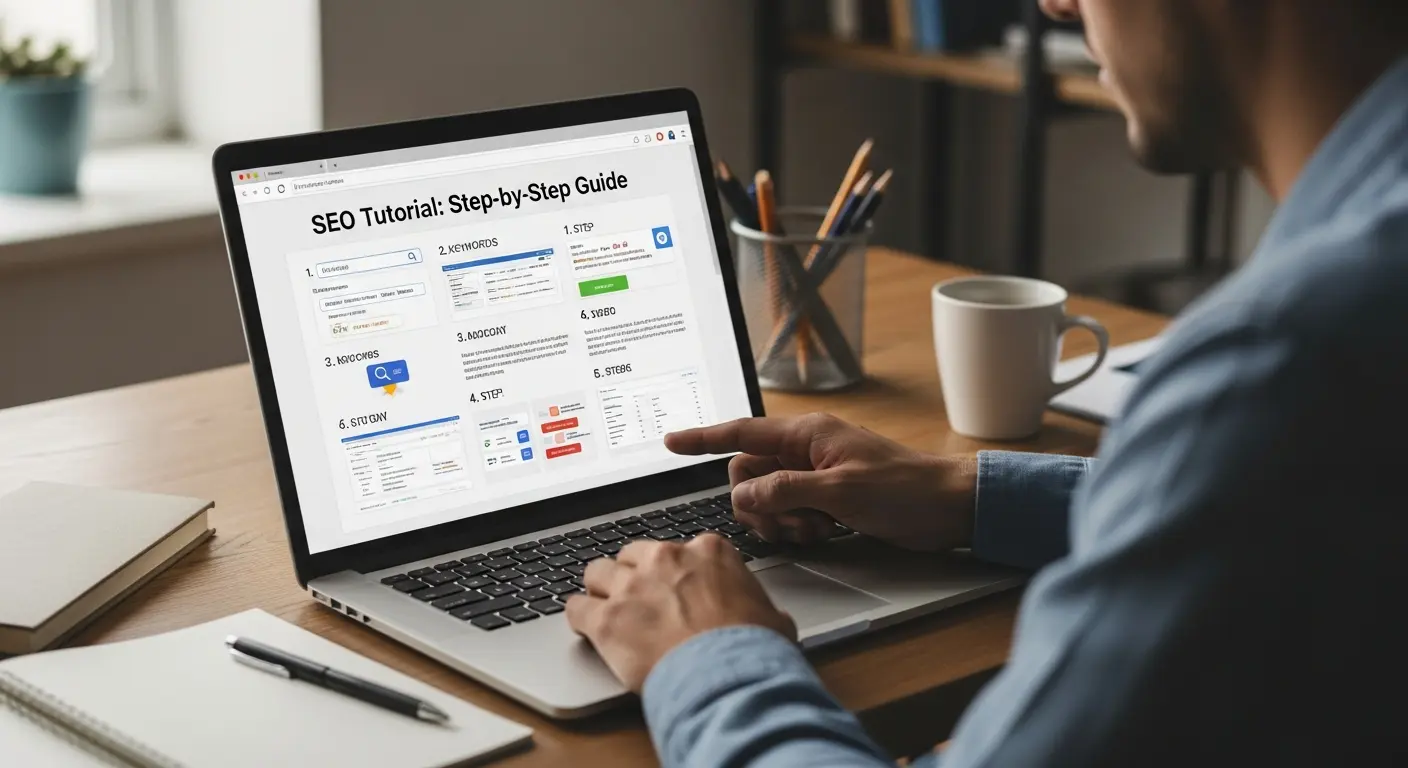
Learning SEO can feel overwhelming when you are just beginning. There are many moving parts, technical terms, and tasks that seem confusing at first glance. The good news is that you do not need to be a developer or a tech expert to understand the basics. With the right guidance, you can learn how technical SEO works and how each part helps your website rank better.
What Is Technical SEO?
Technical SEO refers to the behind the scenes work that helps search engines crawl, understand, and index your website. It focuses on how well your site performs, how pages are structured, and how easy it is for search engines to scan your content.
If search engines cannot access or understand your pages, it becomes harder for you to rank. That is why a seo tutorial step by step is helpful for beginners who want a solid foundation. Technical SEO ensures your website runs smoothly and communicates clearly with search engines like Google.
Here are the main areas technical SEO covers:
- Page speed
- Mobile friendliness
- Website structure
- Crawling and indexing
- Security
- URLs and internal linking
- Structured data
- Fixing technical errors
You do not need to master everything at once. A simple seo tutorial step by step approach makes the process much easier.
Why Technical SEO Matters for Beginners
Many beginners jump straight to content creation or keyword research, which is great, but content alone cannot carry your website to the top. Even the best article will struggle to rank if the website loads slowly, is not mobile friendly, or has broken pages.
Technical SEO gives your content a strong platform to stand on. Think of it as the foundation of a house. Without a strong foundation, anything built on top will eventually weaken. A seo tutorial step by step helps you build that foundation correctly from the start.
When your technical SEO is strong, you get benefits like:
- Faster loading times
- Better user experience
- Higher chances of ranking
- More crawlable pages
- Fewer technical errors
- Stronger trust from search engines
Even small improvements can have a big impact on your search performance.
Step 1: Check Your Website Speed
Website speed is one of the biggest ranking and user experience factors. People leave slow websites, and search engines know this. A seo tutorial step by step always starts with page speed because it affects every visitor.
Why Speed Matters
When a page loads slowly, users get frustrated. Google wants to show fast and reliable pages to searchers. That is why websites that load quickly have an advantage.
How to Check Your Speed
You can use tools like:
- Google PageSpeed Insights
- GTmetrix
- Pingdom
These tools show you how fast your site loads and give suggestions for improvement.
How to Improve Your Speed
- Compress images
- Use proper image formats
- Remove unnecessary scripts
- Enable browser caching
- Use a content delivery network
- Choose a fast hosting provider
This seo tutorial step by step approach helps you identify and fix issues from slow hosting to oversized images.
Step 2: Make Your Website Mobile Friendly
Most users browse on mobile devices. Google uses mobile indexing by default, which means it looks at the mobile version of your site first.
A good seo tutorial step by step helps beginners understand that mobile optimization is not optional anymore.
What Makes a Site Mobile Friendly?
- Text is readable without zooming
- Buttons are easy to click
- Layout adjusts to screen size
- Images scale properly
- Pages load quickly on mobile data
How to Check Mobile Friendliness
Use the Google Mobile Friendly Test tool. It shows whether your pages work well on mobile screens.
If you are using WordPress, choose a responsive theme and avoid heavy plugins. You can also use caching plugins to improve mobile performance.
Step 3: Ensure Proper Website Indexing
Before a page can rank, it must be indexed. Indexing means Google has added your page to its search database. A seo tutorial step by step always highlights how important indexing is.
How to Check Index Status
Go to Google and type:
site:yourwebsite.com
You will see a list of indexed pages.
If you notice missing pages, you may have indexing issues.
Common Indexing Problems
- Noindex tags applied by mistake
- Duplicate content
- Redirect loops
- Poor internal linking
- Blocked pages in robots.txt
Fixing Indexing Issues
Use Google Search Console. It is a free tool that shows:
- Crawl errors
- Indexing problems
- Blocked pages
- Page experience issues
Submitting your sitemap here also ensures Google knows about your content. This is an essential step in any seo tutorial step by step process.
Step 4: Create a Clean Website Structure
Your website structure helps search engines understand how pages relate to each other. A clean structure improves crawling, user navigation, and overall SEO.
A beginner friendly seo tutorial step by step will always recommend starting with a simple and organized structure.
Good Website Structure Practices
- Group similar content under categories
- Use logical navigation menus
- Avoid too many subfolders
- Include breadcrumbs
- Use easy to read URLs
Why This Matters
A clear structure tells search engines which pages are most important. It also improves how users move around your site, lowering bounce rates and improving engagement.
Step 5: Fix Broken Links and Redirect Issues
Broken links create a bad experience. They also waste crawl budget, which means search engines spend time crawling pages that do not work.
A solid seo tutorial step by step always includes link maintenance.
Types of Link Problems
- 404 errors
- Broken internal links
- Redirect chains
- Redirect loops
Tools to Find Broken Links
- Ahrefs
- Screaming Frog
- Google Search Console
How to Fix Them
- Update internal links
- Replace or remove broken external links
- Fix redirects by using a single, clean redirect path
Step 6: Optimize Your URLs
Readable, simple URLs help both users and search engines.
This seo tutorial step by step section is focused on keeping URLs clean and easy to understand.
Good URL Structure Tips
- Use lowercase letters
- Separate words with hyphens
- Avoid long numbers or codes
- Keep it short
- Include keywords naturally
Example
Bad:
yourwebsite.com/p1234/index.php?=article567
Good:
yourwebsite.com/how-to-start-cooking
Clean URLs make your site easier to crawl and easier for visitors to remember.
Step 7: Improve Your Internal Linking
Internal links help guide users through your content. They also help search engines discover new pages.
A reliable seo tutorial step by step will always remind beginners that internal linking strengthens your entire site.
How Internal Linking Helps
- Passes authority to important pages
- Improves navigation
- Helps indexing
- Reduces bounce rate
Best Practices
- Link to related pages
- Avoid too many links in one paragraph
- Use descriptive anchor text
- Link from high authority pages to new pages
Step 8: Use Structured Data (Schema Markup)
Structured data helps search engines understand your content better. It can also help you appear in rich results, such as:
- Review stars
- FAQs
- Recipes
- Product details
- Event listings
Adding structured data is an advanced part of a seo tutorial step by step, but beginners can start with simple types like article schema or FAQ schema.
If you use WordPress, plugins like Rank Math or Yoast make this easier.
Step 9: Strengthen Website Security
Security matters for both users and search engines. Google prefers secure websites.
A strong seo tutorial step by step always includes security basics.
Security Checklist
- Use HTTPS
- Enable SSL
- Update plugins and themes
- Use strong passwords
- Install security plugins
- Avoid outdated software
A secure site builds trust and prevents harmful attacks that can ruin your rankings.
Step 10: Generate and Submit a Sitemap
A sitemap is a file that lists all your important pages. Search engines use it to understand your site and find new content faster.
Every seo tutorial step by step includes this because it helps beginners improve indexing.
How to Create a Sitemap
If you use WordPress, plugins generate it automatically:
- Rank Math
- Yoast SEO
Where to Submit It
Add your sitemap to Google Search Console under the Sitemaps section. This ensures faster crawling.
Step 11: Manage Your Robots.txt File
Your robots.txt file tells search engines which pages to crawl and which to skip.
A clear seo tutorial step by step teaches beginners that blocking the wrong pages can harm your visibility.
Pages You Should Not Block
- Important landing pages
- Blog posts
- Service pages
- Product pages
Pages You Can Block
- Admin pages
- Duplicate archives
- Test pages
Always double check your robots.txt settings.
Step 12: Monitor Your Website Regularly
Technical SEO is not a one time task. You must check your site regularly because issues can appear anytime.
A consistent seo tutorial step by step says you should review your site at least once a month.
Tools to Monitor Your Site
- Google Search Console
- Google Analytics
- Screaming Frog
- Ahrefs
- Uptime monitors
Look for issues like:
- Sudden drop in traffic
- Slow performance
- Indexing errors
- Mobile issues
- Broken pages
Fixing problems early helps your rankings stay stable.
FAQ Section
1. What is technical SEO?
Technical SEO focuses on improving how search engines crawl, understand, and index your website. It includes speed, structure, security, mobile friendliness, and fixing errors.
2. Do I need coding skills to follow this seo tutorial step by step?
No. Most technical SEO tasks can be handled with beginner tools, plugins, and simple settings. No coding experience is required.
3. How important is page speed for SEO?
It is extremely important. A fast site improves user experience and gives you a better chance of ranking higher.
4. What tools do I need for technical SEO?
Tools like Google Search Console, Google PageSpeed Insights, and Screaming Frog are helpful. Many are free and beginner friendly.
5. How often should I check my technical SEO?
Monthly checks are ideal, but major websites may check weekly.
6. What is a sitemap and why is it important?
A sitemap lists your important pages and helps search engines discover them faster.
7. What is structured data?
It is code that helps search engines understand your content and display rich results.
8. Why is mobile friendliness necessary?
Google uses mobile first indexing, which means the mobile version of your website determines your rankings.
9. What causes pages not to index?
Noindex tags, blocked pages, poor internal linking, and crawl errors are common reasons.
10. Can this seo tutorial step by step help beginners rank better?
Yes. These steps give you a strong technical foundation so your content has a better chance of ranking.
Learn Technical SEO
Technical SEO may look complicated at first, but it becomes simple once you understand the basics. This seo tutorial step by step guide helps you build a strong foundation so search engines can discover, understand, and index your content properly. Once your technical SEO is solid, your content and keywords can perform much better.
Keep your site fast, clean, secure, and easy to navigate. Review your site regularly and fix issues before they grow bigger. Over time, these small improvements build up and help you gain more visibility.
If you want to learn more about SEO in an easy, beginner friendly way, you can explore additional lessons with Bruce Jones of https://1on1seotraining.com/.